
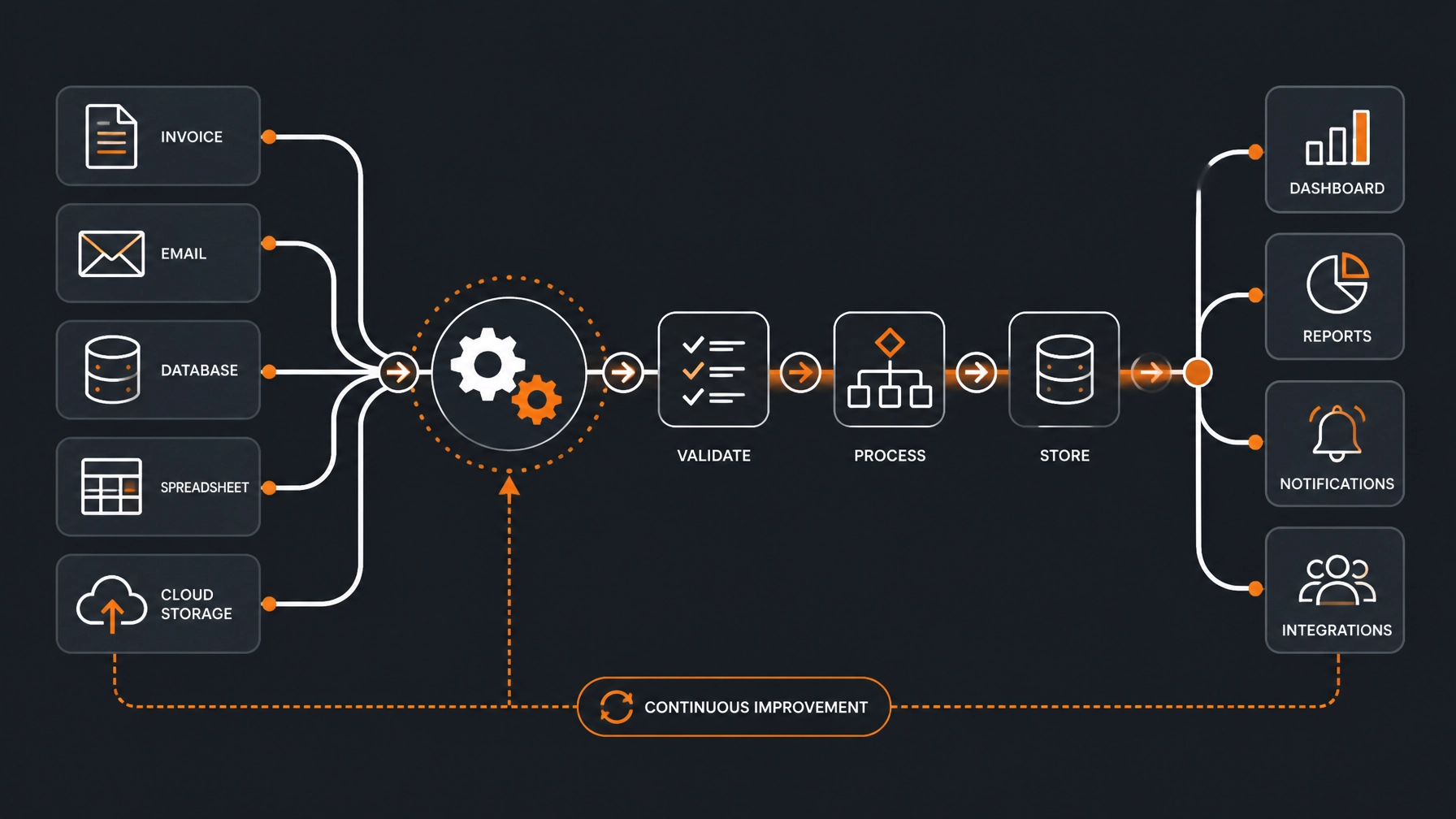
Software That Fits Your Production Process
GiantByte builds manufacturing workflow software for Edmonton businesses that need a clearer view of jobs, materials and work in progress. Replace repeated data entry and disconnected spreadsheets with tools built around your production process.
Start with the part of the workflow that causes the most friction. We agree the first scope and a fixed price, then build and review the software with the people who will use it.
What We Can Build for Your Team
Choose the capabilities your operation needs. Your manufacturing workflow software can start with one process and expand as the business changes.
Production Tracking
Follow work orders through each stage. See progress, delays and the next action without collecting updates from separate spreadsheets.
Scheduling & Priorities
Organize jobs around capacity, deadlines and dependencies. Give supervisors and operators a shared view of what needs to happen next.
Materials & Inventory
Track material use, stock movements and job requirements. Connect purchasing and production so teams work from the same information.
Quality & Traceability
Capture inspections, required checks and issues against the relevant job or batch, with records your team can find later.
Time & Job Costs
Record labour, material use and rework against jobs. Compare what was planned with what actually happened.
Reports & Connections
Build useful dashboards and connect production data with your ERP, accounting software or equipment where suitable interfaces are available.
From Your Workflow to Working Software
We work through a practical first scope, with opportunities for your team to review the software before rollout.
1. Map the Work
Walk through a real job, identify who needs each piece of information and choose the first problem to solve.
2. Agree the Scope
Define screens, records, connections and acceptance checks, then agree a fixed price for that scope.
3. Build & Review
Review working software with your team and test it against everyday jobs, exceptions and existing data.
4. Roll Out in Stages
Introduce the software to a manageable part of the operation, train users and plan the next improvements.
Keeping an ERP? Read our manufacturing ERP integration guide. For machine connections, explore hardware software integration. See our software development case studies for examples of custom work.
Frequently Asked Questions
Can we keep our existing ERP or accounting software?
Yes, where its interfaces and access allow integration. We assess what it already handles well and define which production workflows need additional software.
Does every machine need to be connected?
No. A first version can use operator input, existing records or barcode scans. Equipment connections can be added where they provide useful, dependable data.
How is manufacturing workflow software priced?
We agree the scope and provide a fixed price for that work. Changes can also be quoted at a fixed price before proceeding; hourly work can be an option later.
What happens after launch, and who owns the code?
We provide 30-day post-launch issue resolution. You receive full source-code ownership after final payment, with no ongoing GiantByte software licensing fees. Further development and ongoing support can be planned separately.
Let’s Talk About Your Production Workflow
Tell us where your team loses time or has trouble finding reliable information. We’ll help you define a useful first step for your manufacturing workflow software.